1. Create SSIS Catelog
选择 Integration Services Catelogs, like diagram below
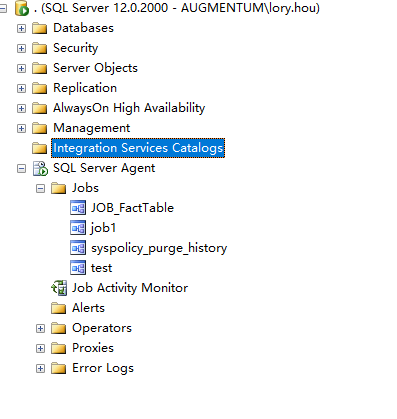
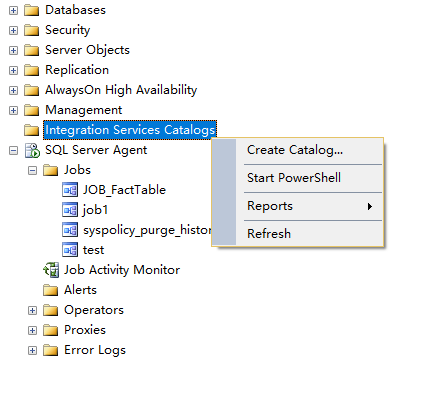
Right Click, and Select “Create Catelog”
Input password as following:

Click OK button to complete Creating SSIS Categlog
2. Create Folder
Select new catelog created, right click, and select “Create Folder”

3 Deploy Project
Select the new created folder and projects, right click, then click “Deploy Project”

Select Project Deployment file, like below:
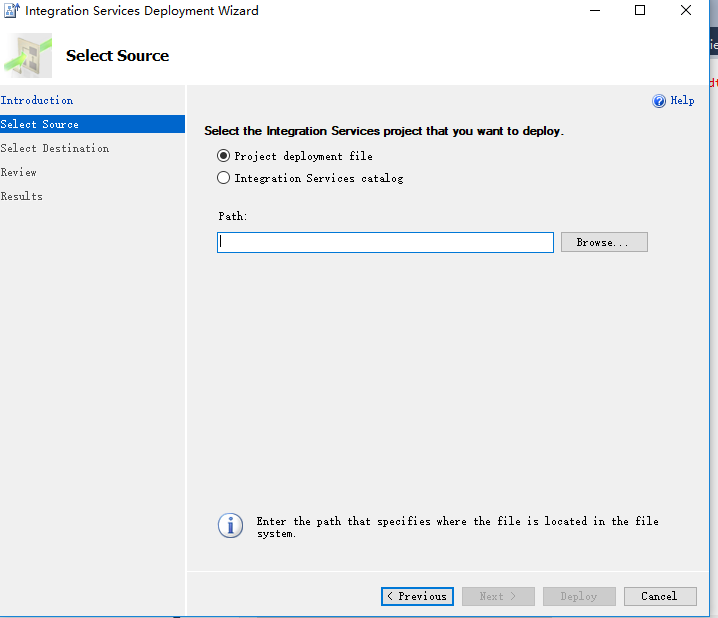

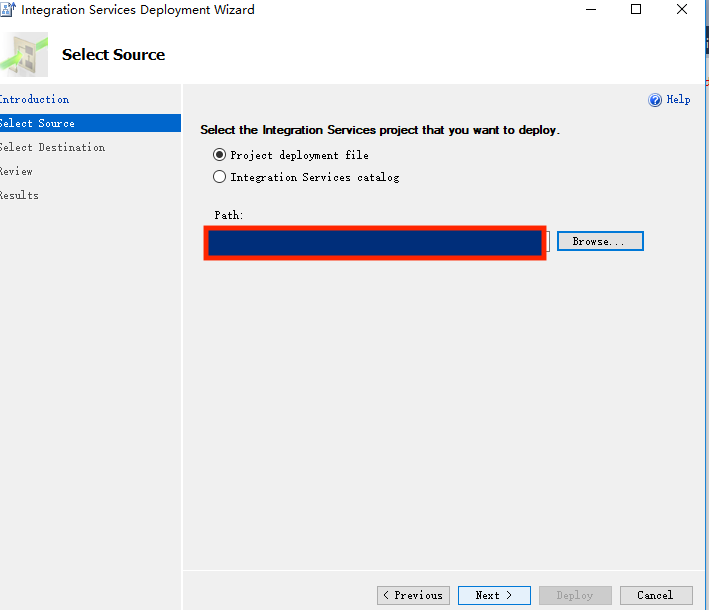
Click Next to continue deployment
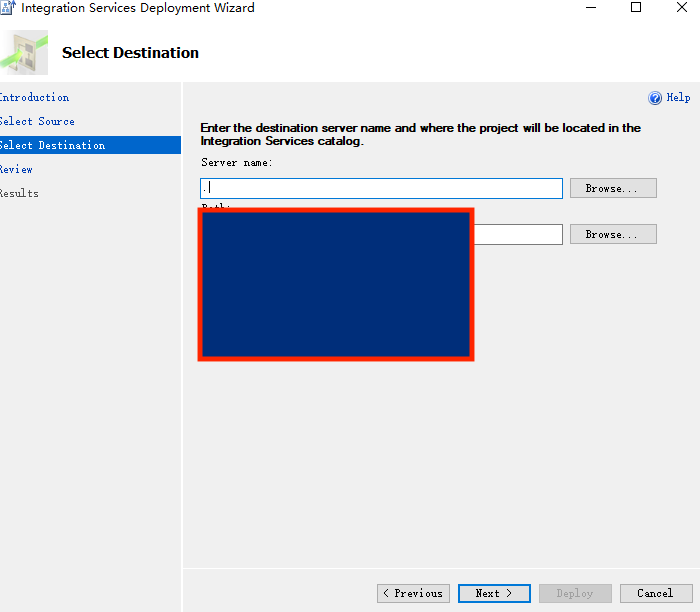
Select Destination
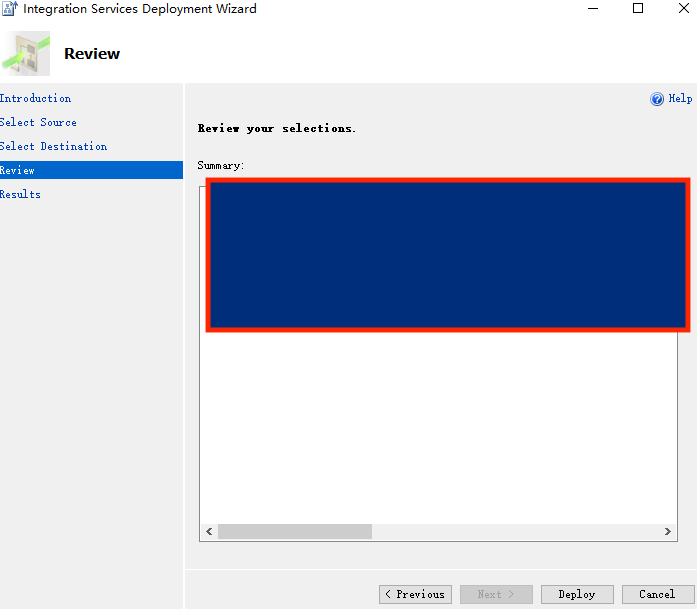
Click Deploy
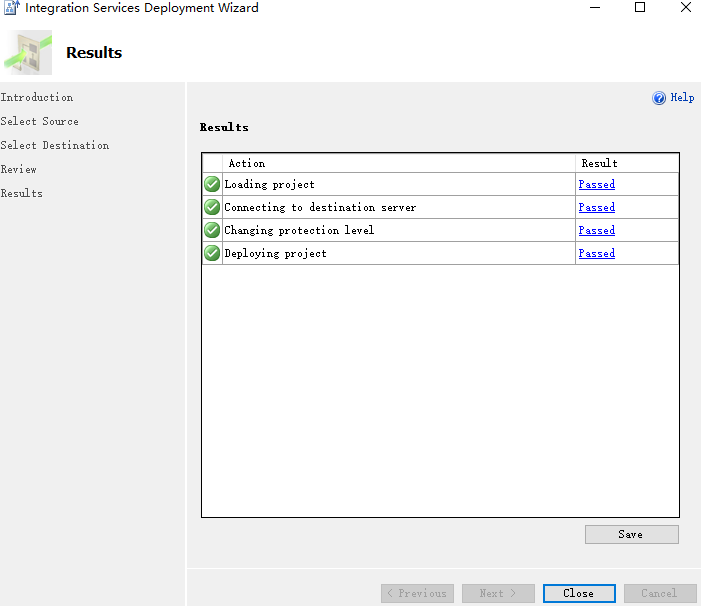
Click Close button to complete deployment
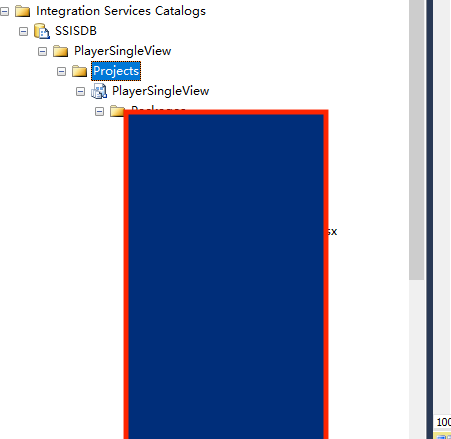
Check Deploy
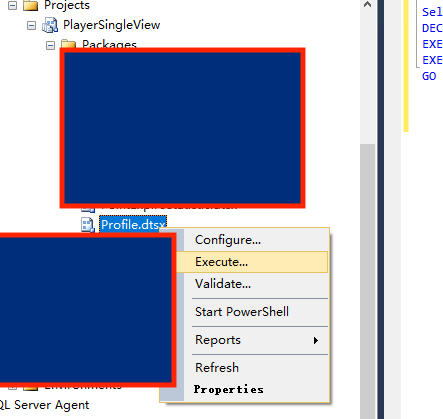
4 Create script
Select a package, and click execute, then select script
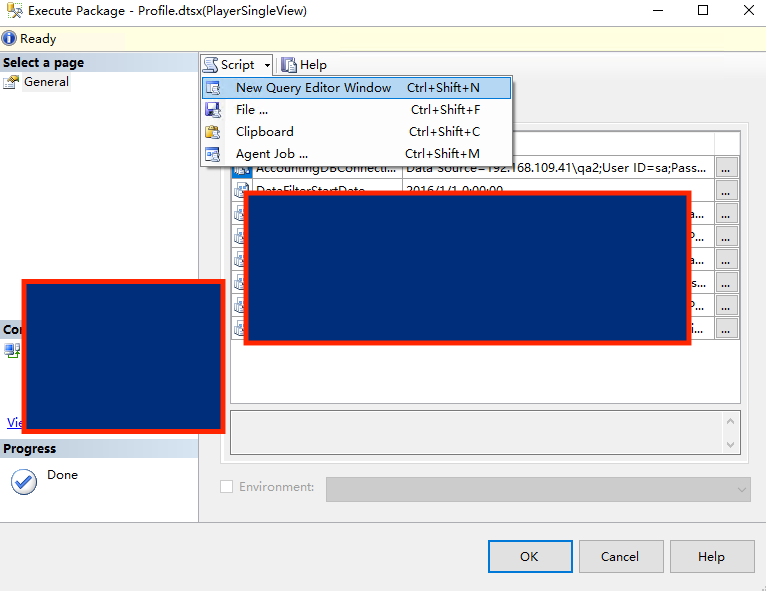
5 Create scheduler
Type T-SQL, and database is SSISDB
